Wishlist
It’s surprising how little changes—moving a stack of papers, hiding a power strip, or reclaiming a drawer—can flip a desk from distraction factory to focused workspace. These 17 desk organization ideas prioritize small, practical actions you can implement this afternoon, along with a few deeper swaps that pay back time and calm.
Quick cleanup first: clear-surface rule
Start by removing everything from the desktop that isn’t used daily. Keep only your monitor, keyboard, one notebook or planner, and one pen cup. Put nonessentials into a box labeled “decide” and revisit in a week—if you haven’t used an item, donate or store it elsewhere.
Zone your desk for tasks
Designate three functional zones: primary work (center), reference (left or right for books/files), and supplies (drawer or caddy). When each item has a logical zone, visual clutter drops and retrieval time shrinks.
Use a monitor riser to gain surface and posture benefits
A monitor riser raises your screen to eye level and creates shallow storage underneath for notebooks, glasses, or a slim keyboard. This is an immediate two-for-one: better ergonomics and a neater surface.
Drawer organizers for small items
Sort pens, sticky notes, chargers, and scissors into compartments. If your desk lacks drawers, use a shallow desktop tray. Label compartments lightly (tape or subtle stickers) so daily habits stay consistent.

Under-desk storage for tech and paper overflow
Install an under-desk drawer or rolling file unit to take bulky items off the surface—printers, reference binders, and rarely used notebooks belong here.
Control cables with a simple under-desk tray and ties
Bundle power cables and route them into a cable management tray mounted under the desk. Use Velcro straps so you can add or remove cables without cutting anything. Label both ends of power cords for quick identification.
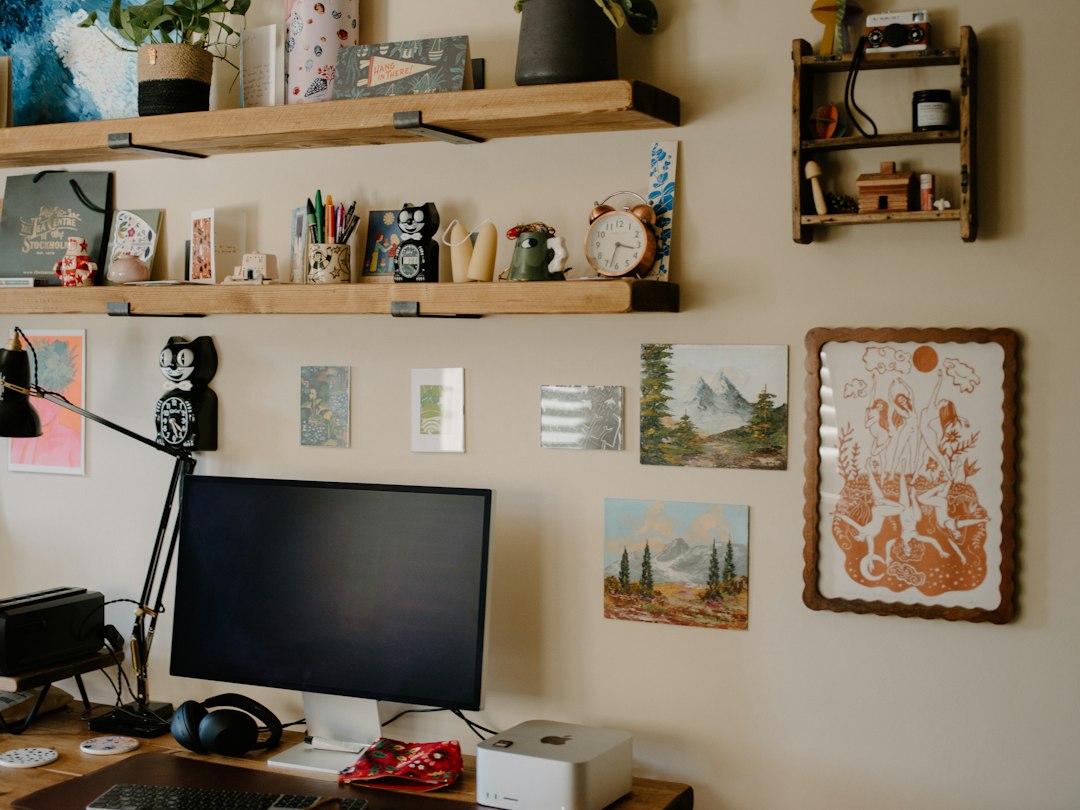
Adopt vertical storage: floating shelves and pegboards
When floor and desk space are limited, put frequently referenced books, decor, or a small plant on a floating shelf above the desk. A pegboard with hooks holds headphones, scissors, or a small whiteboard for quick notes.
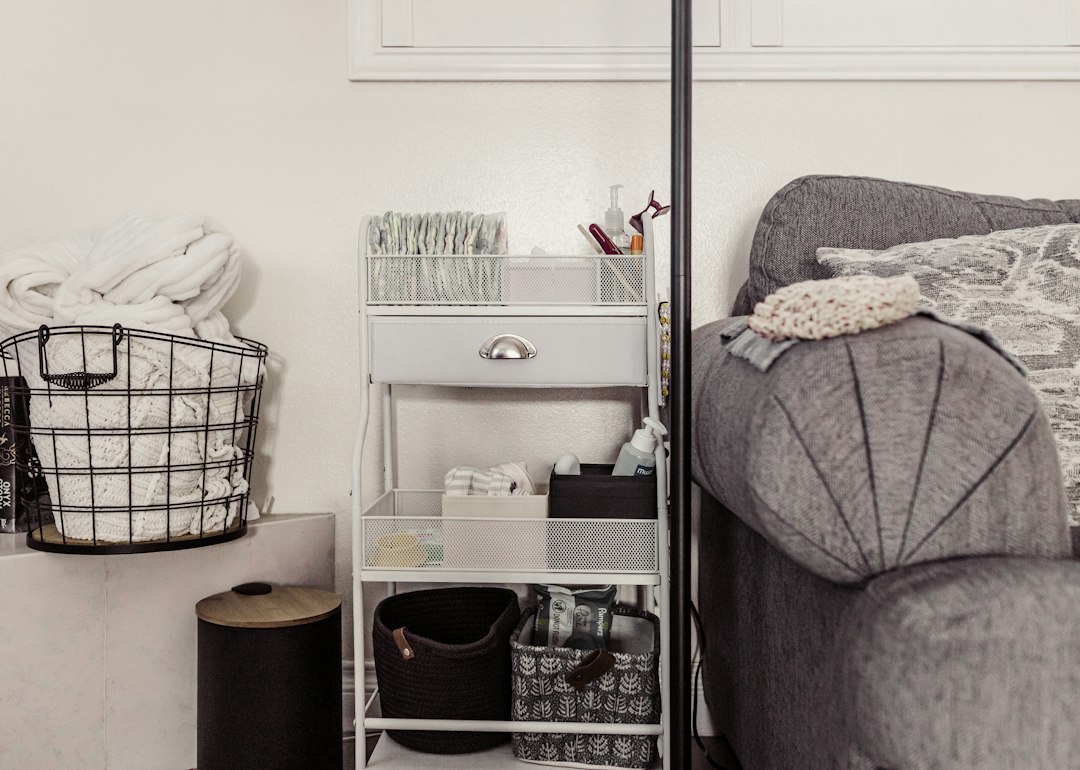
Keep a portable caddy for shared items
If you grab the same few supplies for different tasks (highlighters, sticky tabs), keep them in a small caddy or tote. Slide it under the desk when not in use—this prevents spreading supplies across the desktop.
Paper management: in, out, and purge
Create three slim trays or file slots labeled “Inbox,” “Action,” and “Archive.” Limit the inbox to one week of papers; process mail and printouts immediately into Action or Archive so they don’t linger as open tabs on your desk.
Choose clear containers for visibility
Use translucent or mesh containers for frequently used items: you’ll find what you need without opening boxes. This matters most in drawers and under-shelf bins where out-of-sight often becomes out-of-mind mess.
Set tech-off zones to reduce visual distraction
Reserve one corner for your phone and put it on Do Not Disturb during focused work blocks. A simple tray or small bowl marks that place and reduces the impulse to fidget with the device.
Limit desktop décor—one plant and one photo
A single small plant and one framed photo personalize your space without contributing to clutter. Anything more becomes visual noise that competes with attention.
Invest in a slim desktop filing solution
A vertical desktop file sorter for current projects keeps paperwork upright and easy to flip through. It’s smaller than a lateral file and works well on narrow desktops where a rolling cabinet won’t fit.
Use labels for hidden storage
Label the front of drawers, boxes, and bins so you don’t open every container looking for one item. Consistent labels speed up cleanup and enforce the system you create.
Rotate and purge monthly
Once a month spend five minutes returning stray items to their zones and discarding unnecessary paper. This small habit prevents the accumulation that makes organization feel futile.
Create a charging station
Consolidate chargers in a single tray or under-desk shelf with a USB hub. That stops charging cables from sprawling across the desk and keeps devices ready without visual clutter.
Personalize with functional aesthetics
Pick a consistent color palette for storage containers and desk accessories—neutral bins, a single accent color for pens or folders. Matching items make even a lot of stuff look orderly.

These ideas are meant to be combined: pick a handful that match your habits and space—clear the surface, add a riser, control cables, and use a drawer organizer—and the rest will fall into place.
- Clear all nonessentials from the desktop and set a one-week “decide” box.
- Install a monitor riser or raise your screen to eye level.
- Add an under-desk cable tray and label power cords.
- Use drawer organizers or a desktop tray for small supplies.
- Create Inbox / Action / Archive paper slots and purge monthly.
- Place a single plant and one photo; avoid excess décor.
A tidy desk is the result of deliberate limits and a few well-chosen storage pieces: a riser, cable tray, drawer organizers, and a simple filing system. Start with clearing the surface, then add one durable solution at a time.
How do I keep cables tidy without drilling?
Use adhesive cable clips and surface-mounted cable sleeves that stick to the underside of the desk or the back edge—no drilling required. Velcro ties make future changes easy.
What’s the best way to store a printer on a small desk?
Move the printer to a dedicated rolling unit or a small stand beside the desk; if it must sit on the desk, choose a printer stand with shelf space underneath for paper and supplies.
How often should I declutter my desk?
Quick daily resets (2–5 minutes) plus a monthly purge are effective: daily keeps surface items in check and monthly prevents slow accumulation.
Can I organize a shared desk used by multiple people?
Create labeled zones for each person, use portable caddies for personal supplies, and agree on a nightly clear-surface rule so the next user starts with the same baseline.