Wishlist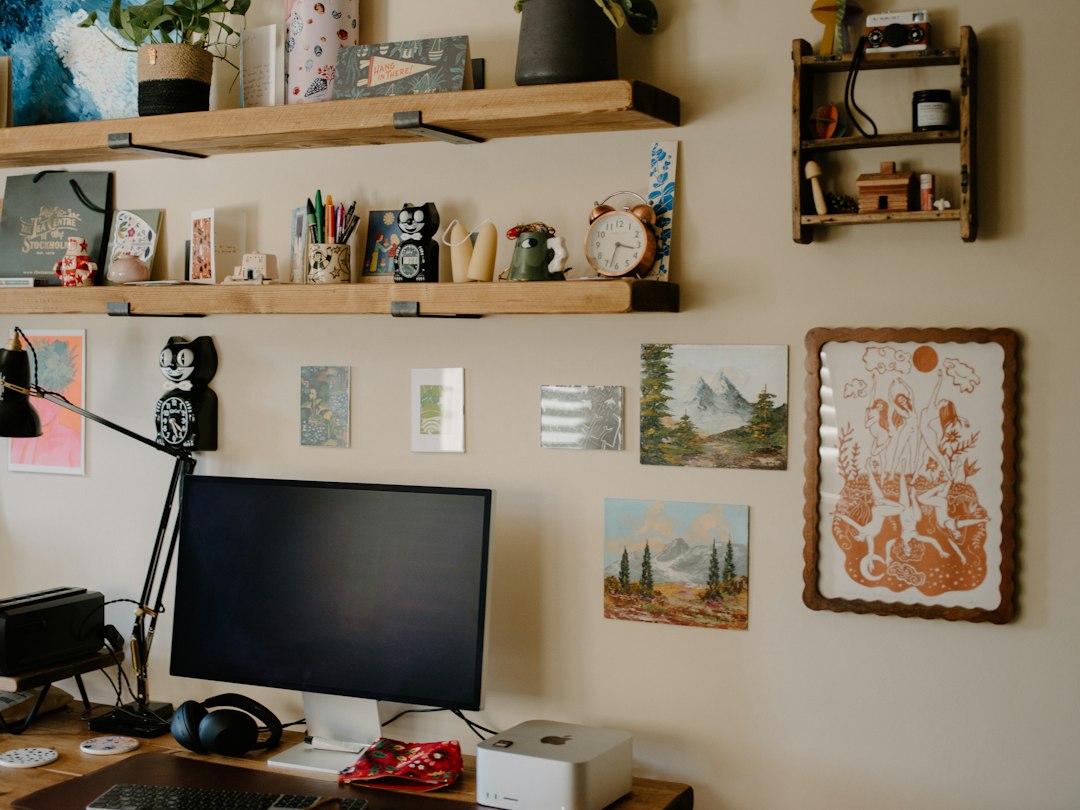
What you’ll have after organizing this tiny workspace
When you finish this process your small home office will feel larger and work better: a clear primary surface for focused work, designated homes for common items, hidden or vertical storage for infrequently used things, and a simple system that avoids pile-up. The goal is usable order, not perfection.
Quick assessment: measure, list, decide
Start by measuring your desk footprint, wall height above the desk, and the floor area beside or under the desk. Make a short list of the items you actually use daily (laptop, notebook, pen, charger, printer) and those you use weekly or rarely (reference binders, craft supplies, archived paperwork).
This list is the organizing map: daily items need immediate-access homes; weekly items can go higher, lower, or out of sight.
Clear and prioritize: a ruthless 20-minute declutter
Set a timer for 20 minutes. Remove everything from the desktop and sort into three piles: keep on desk, store nearby, relocate/recycle. Many small offices become unusable because small objects accumulate—the 20-minute sprint forces quick decisions.
Be practical: keep only two pens at hand, one notepad, and the devices you actually use. Move extra supplies to a single “overflow” box you’ll review monthly.
Design the zones: work surface, reference, and utilities
Allocate small zones rather than thinking in cubic feet. Common effective zones are:
- Primary work surface: laptop/monitor, mouse, immediate notes.
- Reference zone: frequently consulted papers, planners, a small shelf.
- Utility zone: printer, charging station, shredder—items that need outlets or floor space.
Place the primary work surface in the most comfortable lighting and reserve the least convenient spots (top shelf, under the desk) for the utility or archive items.
Use vertical space and the wall above your desk
When floor storage is limited, go up. A narrow floating shelf or two above the desk creates room for reference books, an inbox tray, or decorative boxes. Pegboards are another flexible option—they hold headphones, scissors, cords and small baskets without taking floor space.

Tip: keep the shelf depth shallow (8–10 inches) so you don’t lose sightlines and the desk still feels open.
Hidden storage under the desk: maximize the unused space
Under-desk storage is a high-impact fix for limited closets or cabinets. Slide-out drawers or mounted trays tuck beneath the surface and keep small items out of sight but within reach. If you need a single product that makes the biggest difference in a tight space, a compact under-desk drawer is usually the best place to start.
Product recommendation: choose an under-desk drawer designed for compact setups to avoid crowding knees or dragging cables.
Mounting notes: position drawers slightly off-center to allow legroom and run cables along the back edge so they don’t interfere with slides.
Choose multi-use furniture when you must buy
When adding a single piece is possible, prioritize multifunction: a mobile file cabinet that doubles as a printer stand, or a monitor stand with built-in drawers. These give extra surface and closed storage without a new footprint.
If you have a small printer, a mobile printer stand is a compact two-for-one solution; it holds the device and offers shelves or drawers for paper and supplies.
Zone organization: drawer inserts and small containers
Once furniture is set, organize inside drawers and on shelves with small containers. Use a shallow tray for pens and sticky notes on the desktop (or the under-desk drawer) and deeper boxes or file organizers for receipts and active paperwork.

A practical rule: keep no more than one shallow desktop container and one shallow drawer for daily items. Everything else goes in labeled boxes or vertical folders.
Keep cables neat without complicating the desk
Cable clutter makes even a tidy desk look messy. Use a single cable catcher or a short cable sleeve behind the monitor and a power strip mounted under the desk. Route charging cables to a dedicated box or a small tray on the utility zone so they’re available but not tangled across your work surface.
Lighting and ergonomics matter as much as storage
A bright, focused light and a monitor at eye level reduce friction and prevent you from working on piles. Use a monitor riser with storage to lift the screen and create a small shelf for the keyboard or notepads below.
Troubleshooting common tight-space problems
Piles reappear in a week
Introduce a weekly 10-minute reset: clear the desktop, return items to their homes, and empty the inbox tray. Make it a non-negotiable part of your routine.
No wall space to use
If walls aren’t available, use vertical on-desk solutions: a monitor riser with drawers, stacked trays at the rear of the desk, or a narrow mobile cabinet that slides beside the desk.
Workspace feels cramped with storage in place
Trade closed bulky storage for slimmer open shelving or a single compact mobile cabinet; reducing visual mass often helps more than eliminating storage capacity.
One-hour plan you can follow tonight
- Measure your desk and wall area (10 minutes).
- 20-minute declutter: sort into three piles (20 minutes).
- Install one under-desk drawer or place a small mobile cabinet (20–30 minutes) — or order the product and set a temporary box for overflow.
- Route cables and place items into their new zones (10 minutes).
- Measure desk footprint, wall height, and under-desk clearance.
- Decide which items are daily vs. weekly vs. archived.
- Remove unnecessary desktop objects—keep two pens and one notebook.
- Add vertical or under-desk storage before buying freestanding furniture.
- Use a monitor riser or drawer to create hidden storage.
- Schedule a weekly 10-minute reset to prevent pile-up.
Focus on three changes: clear the desktop, use vertical and under-desk space, and add one multifunctional storage piece. Those targeted steps deliver the biggest improvement with the least new footprint.
How much storage do I need for a home office?
Start by inventorying daily and weekly items; most small offices function well with one shallow desktop container, one under-desk drawer, and one mobile cabinet or shelf for overflow.
Is a mobile file cabinet worth it in a tiny space?
Yes—if it doubles as a printer stand or extra surface. Mobility lets you reconfigure the room and tuck it out of sight when needed.
Can I rely only on vertical shelving instead of drawers?
Vertical shelving is excellent for visibility and small-item bins, but closed drawers are better for paperwork or visually busy supplies; use both where possible.
What’s the best way to handle cords with limited storage?
Mount a power strip under the desk, use short cable sleeves, and consolidate chargers to a single charging tray to keep cords off the surface.
How often should I reassess storage needs?
Review every three months or after a major new device purchase—small offices change quickly, and a brief reassessment keeps storage aligned with use.